There are dozens of SEO Chrome extensions, and most of them show a number. Here is what separates a toolbar you install and forget from one you use every day, and how we built the BlogSEO extension around it.
It answers the question you have on the page you are on
Most SEO work starts with a page, not with a tool. You land on a competitor's article and want to know how strong their domain is. You open your own draft and wonder whether the keyword appears often enough. You scroll a Google results page and spot a site you had never noticed. A browser extension for SEO earns its place when it answers those questions right there, without copying a URL into another tab and waiting for a report.
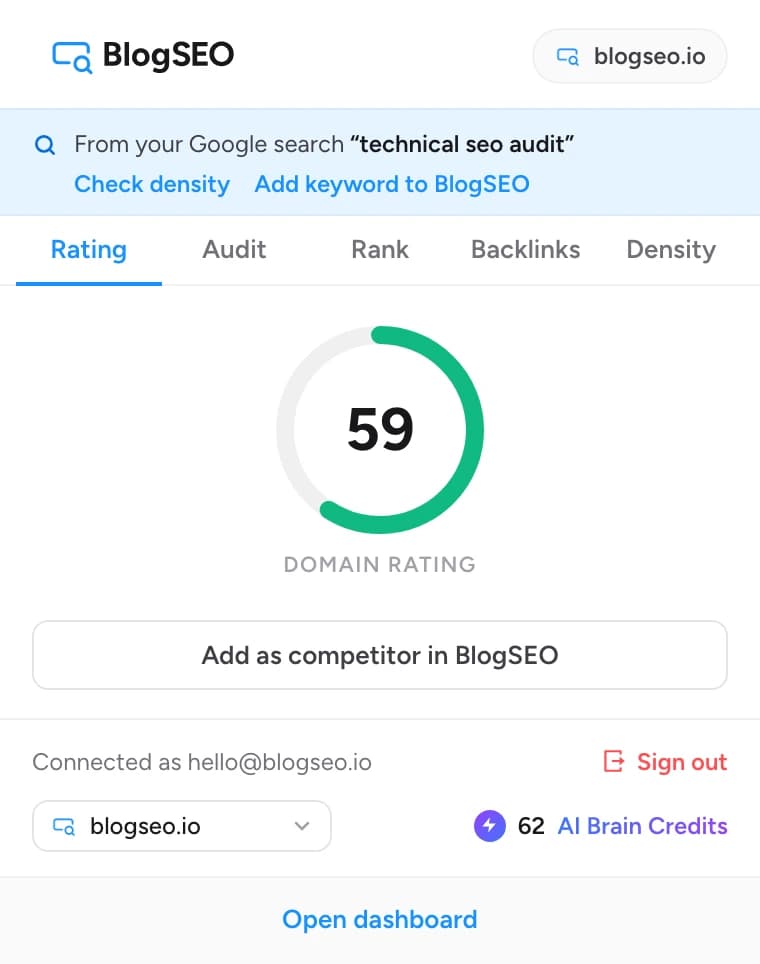
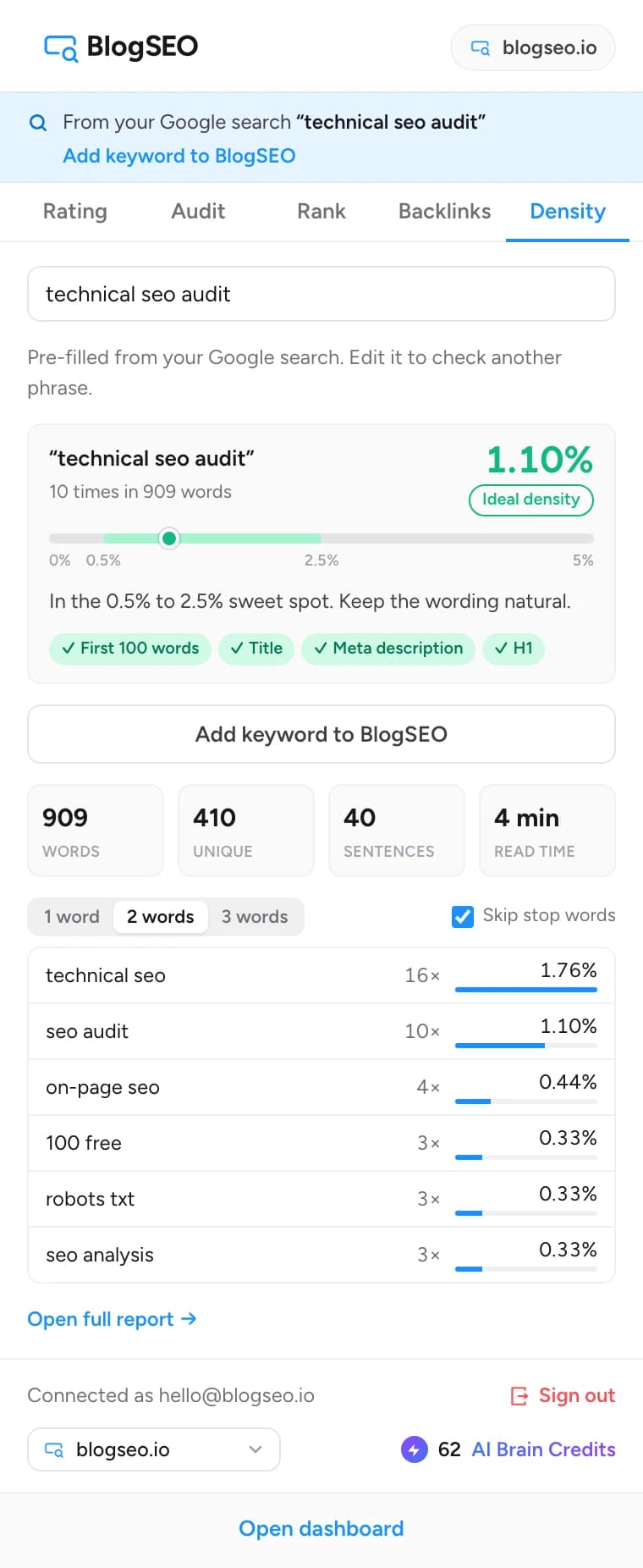
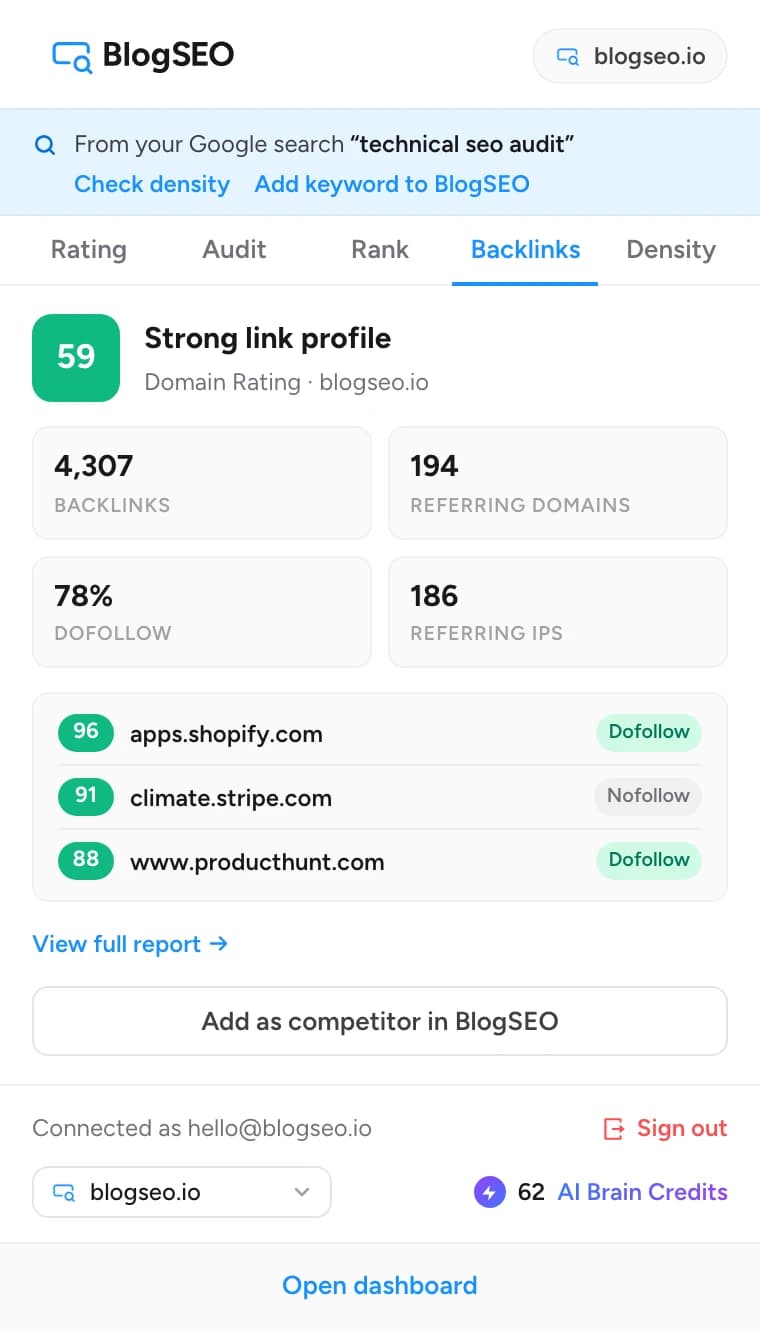
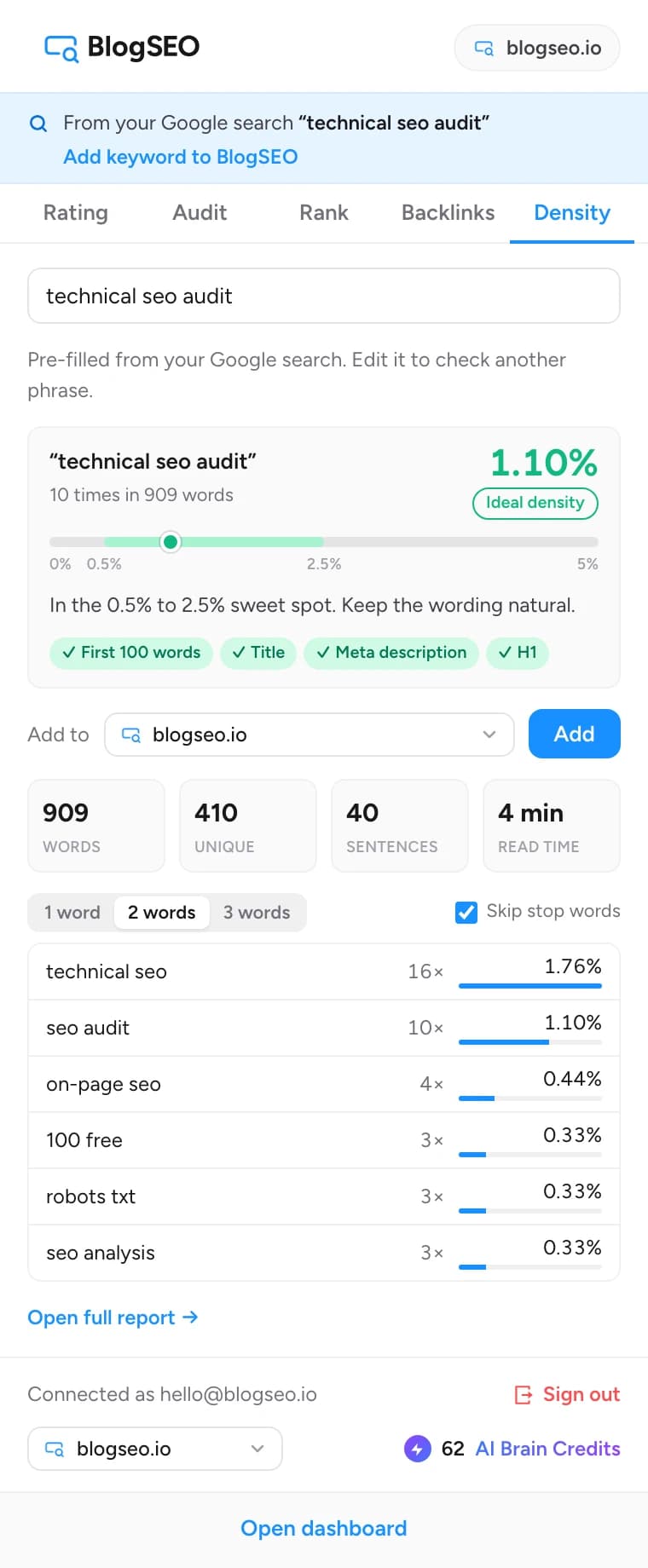
That is why the BlogSEO extension shows the Domain Rating of every site on its toolbar badge, before you click anything. The popup then adds the details for that same site: its backlinks, a technical audit, a rank check for any keyword, and a keyword density analysis of the exact page you are reading. The site is pre-filled everywhere, so a check takes one click, not a form.
It stays free where it matters
Many SEO toolbars show a metric, then hide the useful part behind an account or a credit pack. The BlogSEO Chrome extension works without an account: Domain Rating and keyword density need nothing from you. The technical audit, the rank checker and the backlink checker unlock when you connect a BlogSEO account, and that account can be a free one. There is no subscription behind the tools, only the same rate limits as the free tools on this site.
The paid part is the same as everywhere in BlogSEO: adding a keyword to your dashboard looks up its search volume and difficulty, which costs one AI Brain Credit. You are told before it happens, and a keyword that is already tracked costs nothing.
It respects the pages you visit
An extension that runs a script on every page you open is a privacy risk and a performance tax. The BlogSEO extension asks for the activeTab permission instead of broad host access: it can only read a page when you open the popup on it, and only the Keyword Density tab does so. The text is analyzed in your browser and never uploaded. Domain Rating lookups send the hostname alone, and results are cached so a site you keep coming back to is not looked up again for half an hour.
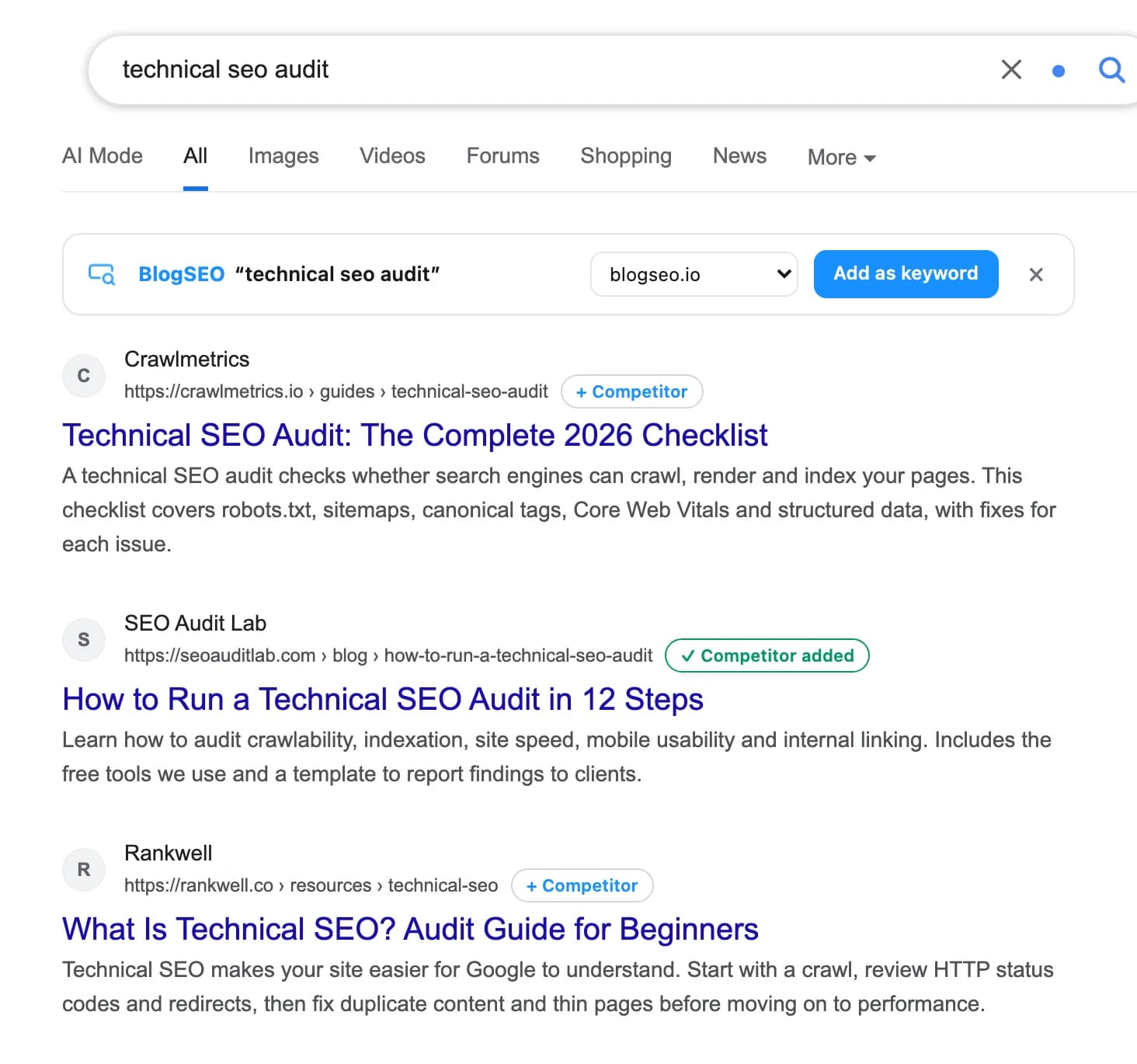
The one place the extension does add something to a page is Google search, where the bar and the competitor chips live. That is deliberate: it is where you find keywords and competitors, and the bar hides for a week with one click if you do not need it.
It connects to where the work happens
Metrics you cannot act on are trivia. The difference between a good SEO browser extension and the best one is what happens after the number: a keyword you found on Google should end up in your keyword list, a competitor you spotted should be tracked, and a page that lacks its target phrase should be fixed. The BlogSEO extension pushes keywords and competitors into your dashboard in one click, with the same volume data, clustering and Search Console matching as if you had added them there.
Because BlogSEO is multi-tenant, the extension knows which websites you manage. With one site, adding is immediate. With several, you pick the site, and the extension remembers your choice. Only owners and admins of an organization can add, so a client's site is never changed by someone who should only be reading.
It keeps up with how people actually search
The most useful trick in the extension is also the simplest. When you search on Google and open a result, the extension remembers the search that brought you there. The popup shows it in a banner, the Keyword Density tab is pre-filled with it, and Add keyword sends it to BlogSEO in one click. It is the fastest way to turn the way people phrase a search into a keyword you track and a page you improve.